Floor Plan Optimization: The Power of 4-Person Workstation Clusters
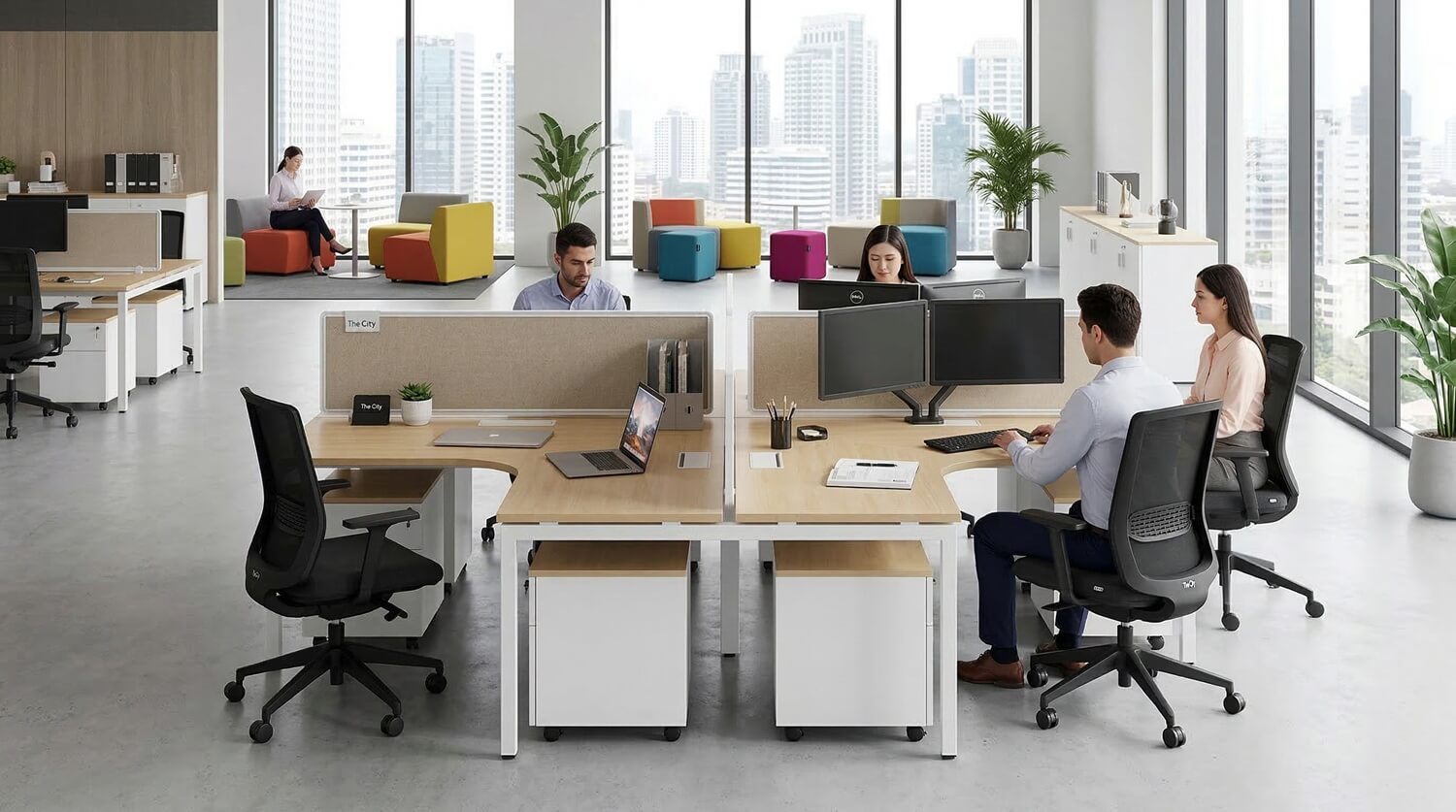
In an era where office rental prices in major metropolitan areas are skyrocketing, designing a space that is both space-efficient and high-performing is a major challenge for every business. Instead of using bulky individual desks, the 4-person workstation cluster has emerged as the "golden" solution in modern floor plan design.
1. The Economic Value of Floor Plan Optimization
Floor space is one of a company's largest fixed costs. A well-optimized floor plan delivers two direct benefits:
- Increased Floor Utilization: Typically, a traditional office requires approximately 7 - 9m² per employee. With a 4-person cluster, this can be reduced to 4.5 - 5.5m² without creating a sense of overcrowding.
- Utility Cost Savings: Reducing the required floor area lowers the load on HVAC systems, lighting, and monthly management fees. When workstations are grouped, the installation of underfloor power outlets and internal networks becomes centralized, reducing construction material costs by 20-30%.
2. Why the 4-Person Cluster is the "Standard Unit" of Modular Design
Compared to 2-person clusters (too small, wasting aisle space) or 6-8 person clusters (too bulky, difficult to arrange), the 4-person configuration is considered the "Golden Ratio" because:
2.1. Shared Framing Structure
Instead of 4 individual desks requiring 16 legs, a 4-person cluster uses an integrated frame system (requiring only 4-6 legs).
- Freed-up Legroom: Employees have more space under the desk for movement or personal mobile pedestals.
- Visual Clarity: Reducing the number of desk legs makes the floor look "cleaner" and creates a psychological sense of a larger space.
2.2. Central Power Spine
This is the core component of space optimization. Modern clusters integrate a power cable tray running along the center:
- Cable Management: All power and data cables are hidden within an aluminum tray, eliminating the "spider web" of wires that is both unsightly and hazardous.
- Smart Flip-top Covers: These allow employees to access power directly at the desktop level, eliminating the need to crawl under desks and keeping the workspace tidy.
3. Popular Layout Scenarios
Depending on your floor shape (square, rectangular, or obstructed by columns), you can apply three main scenarios:
3.1. Back-to-Back (Linear) Layout
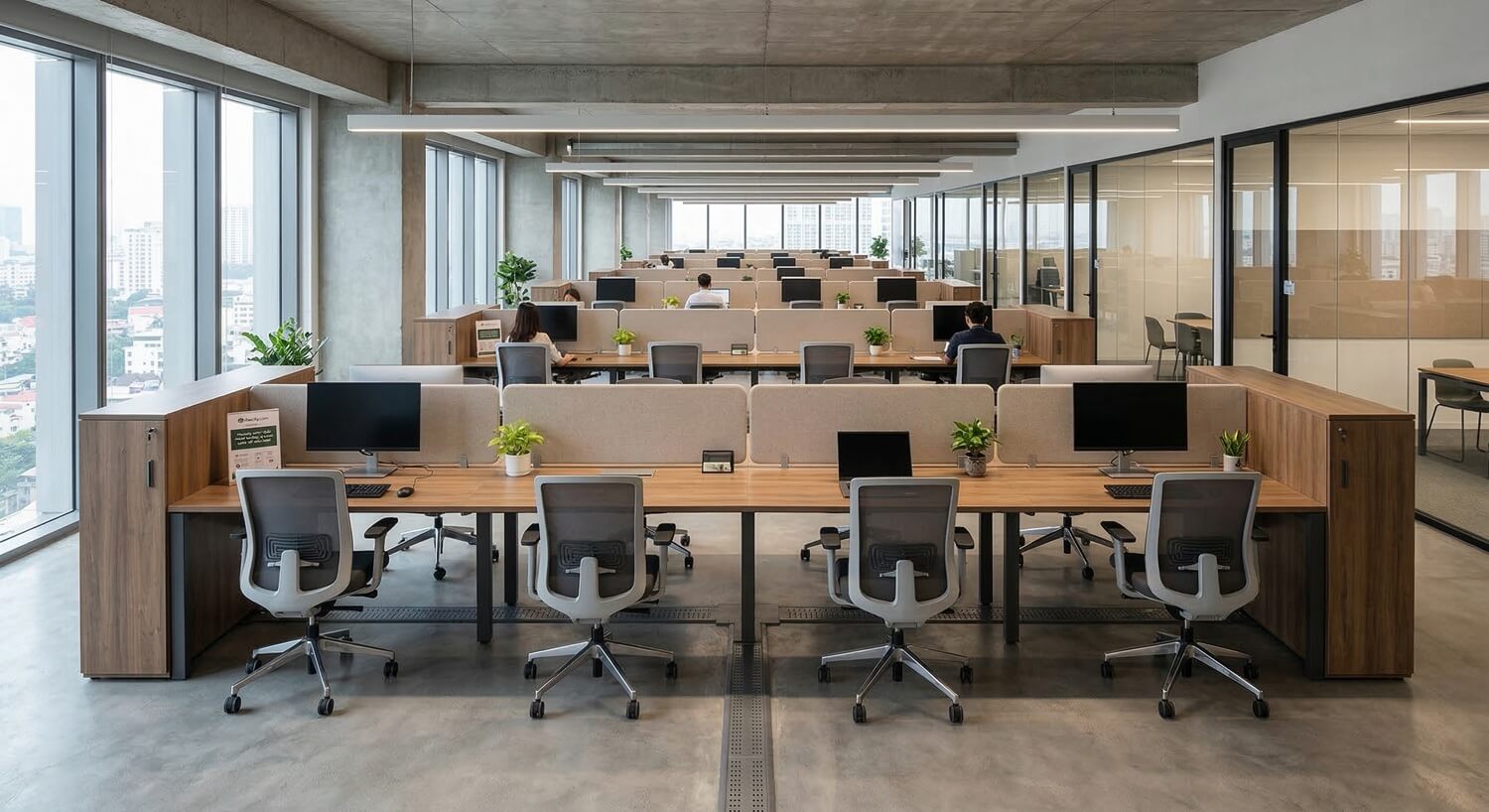
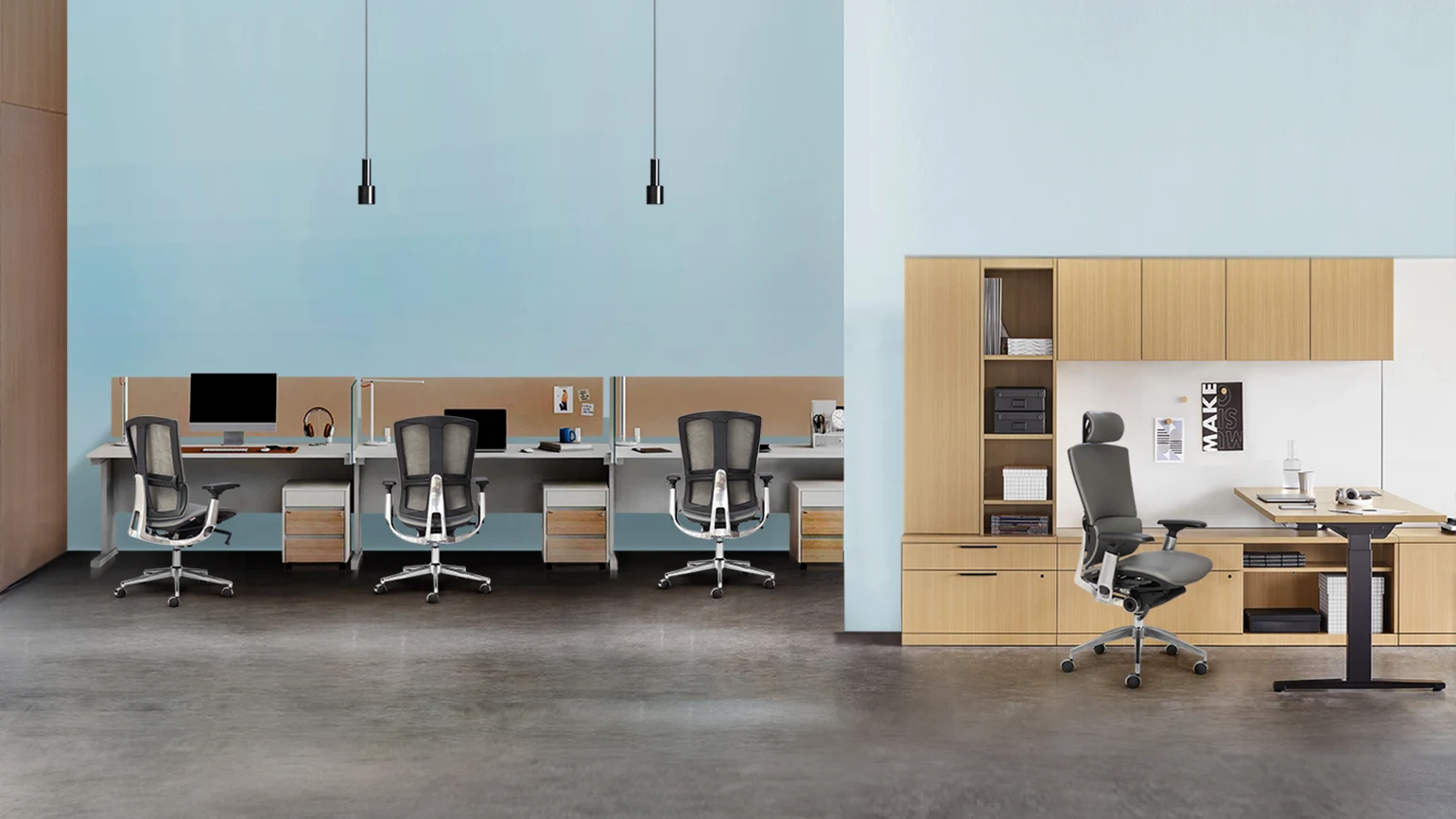
Clusters are placed parallel to each other along the length of the office.
- Advantage: Creates clear, intuitive walkways. Ideal for departments requiring high focus or linear workflows.
- Tip: Leave at least 1.4m between clusters so that two people sitting back-to-back can move in and out comfortably.
3.2. Staggered Layout
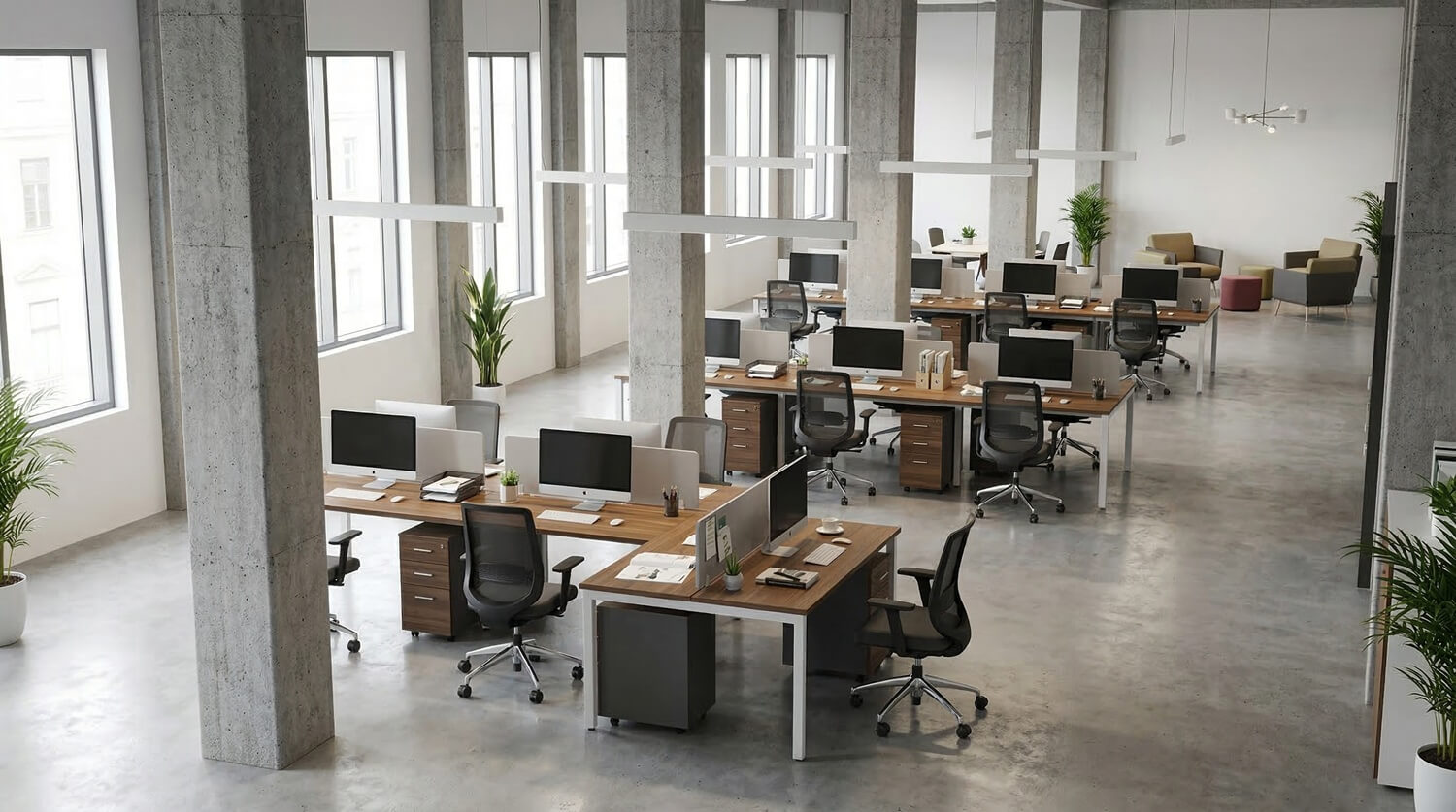
If the office has many large concrete columns, place the clusters in a staggered pattern around them.
- Effect: Turns structural columns into anchors for partitions or cabinets, hiding architectural flaws and creating natural private pockets for each 4-person team.
3.3. Agile Workspace Integration
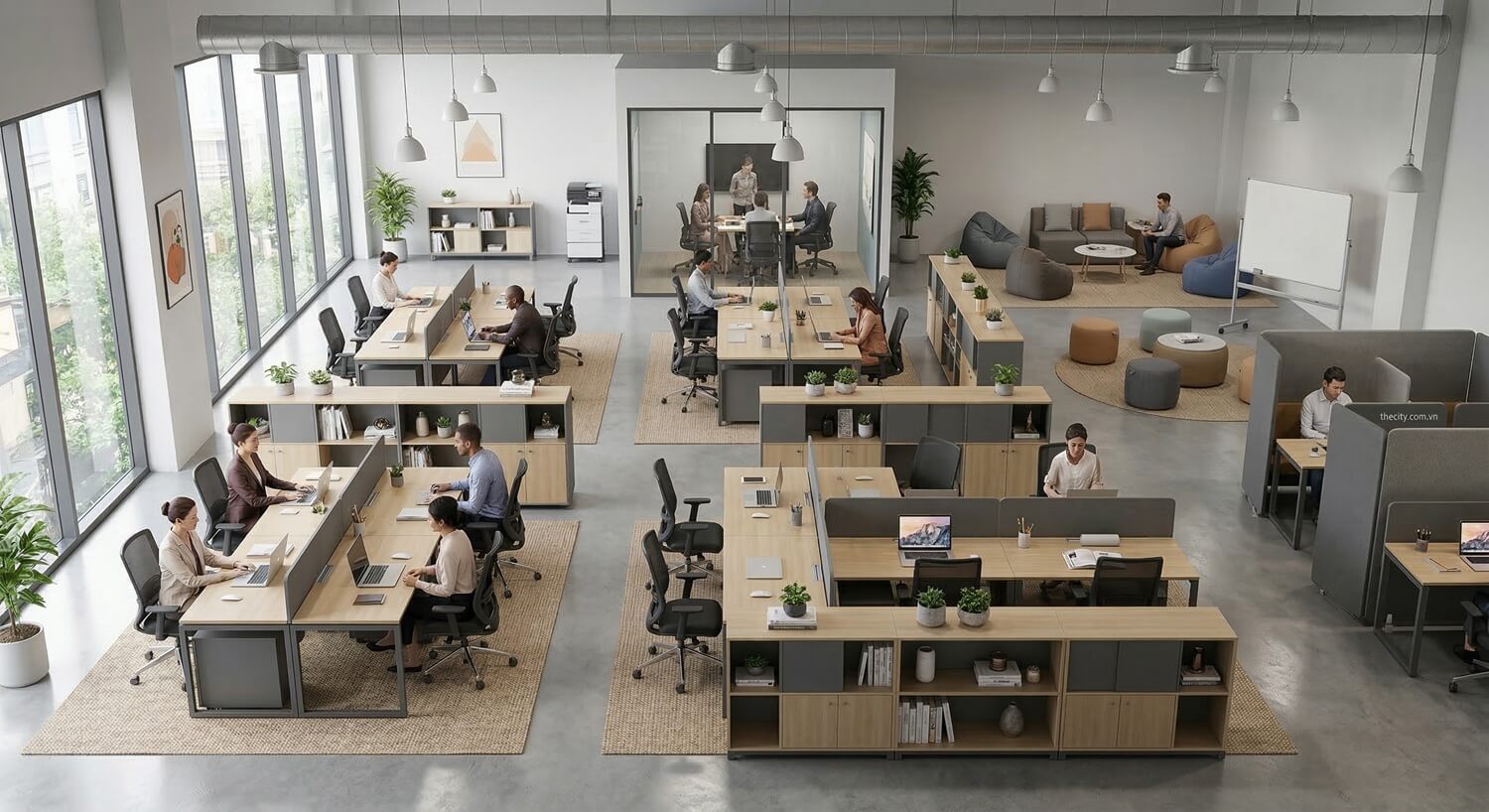
Use low cabinets as dividers between clusters instead of drywall.
- Multifunctional: The tops of these cabinets can be used for quick standing meetings, printers, or office plants, saving space that would otherwise be reserved for a pantry or secondary meeting rooms.
4. "Golden" Technical Specifications for Optimization
To ensure your floor plan is truly functional, follow these standard parameters:
| Item | Standard Dimensions (mm) | Optimization Purpose |
| Individual Desk Size | 1200x600mm or 1400x700mm | Sufficient for a laptop, external monitor, and notepad. |
| Total Cluster Size | 2400x1200mm | Matches standard industrial wood board sizes to minimize waste. |
| Desk Height | 750mm | Ergonomic standard to prevent neck and shoulder strain. |
| Partition Height | 300mm (from desktop) | Blocks direct eye contact while sitting but allows communication when standing. |
| Main Aisle Width | 1500mm | Ensures two people can pass each other easily. |
5. Essential Accessories for Workstation Clusters
A 4-person cluster is only truly optimized when combined with:
- Mobile Pedestal: Can be tucked neatly under the desk; also doubles as temporary seating for quick collaborations.
- Monitor Arm: Mounted directly to the desk edge or partition, freeing up 20% of the desk surface area.
- Built-in Power Box: Integrates 3-pin sockets, USB charging ports, and cable holes for a minimalist desktop.
6. Key Considerations When Selecting Clusters
- Smart Partitions: Choose mid-height partitions (30-45cm from the desktop) made of felt or frosted glass to provide privacy without blocking natural light.
- Color Palette: Prioritize neutral tones like white, light gray, or light wood grains. These colors use "visual trickery" to make the office appear larger than its actual square footage.
7. Conclusion
Choosing a 4-person workstation cluster is not merely an interior purchase; it is a smart spatial planning strategy that helps businesses optimize every square inch of floor space and significantly cut operational costs. This modular solution not only eliminates technical clutter but also builds a professional environment where personal privacy and team connectivity are perfectly balanced. Investing in a standard cluster system is a sustainable move that prepares your business for future growth and a breakthrough in productivity.
Are you planning an office redesign? Contact The City today. We can help you calculate the ideal number of workstations for your specific floor area and consult on the latest modern partition designs.